The most technical page of the radio section, and that's fine — anyone coming here is building something themselves. You supply an address, and your station calls it as soon as something happens.
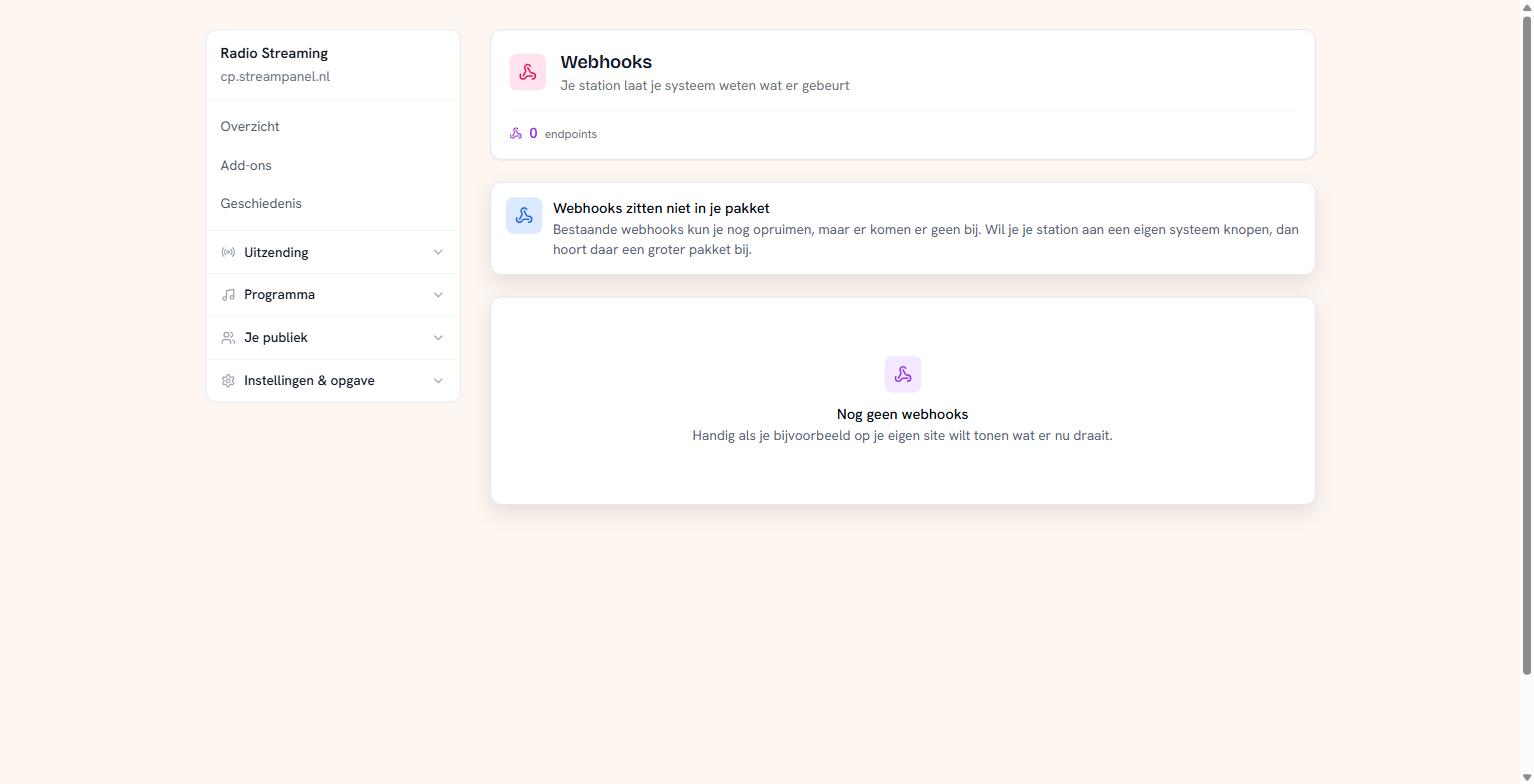 The webhooks screen
This is part of the larger plans. If it isn't in yours, you can still clean up existing webhooks but not add any.
Difference with "notifying what's playing"
That one sits under Doorgeven aan anderen and is only about track changes, with artist and title in the URL. Webhooks are broader: they also report that your station started, stopped, or that a DJ connected, and they send a real message rather than just an address.
Creating an endpoint
Supply the address we may send to, and tick which events you want to receive.
You see the secret once, immediately after creating it. Never again after that. Save it right away — which is why it stays large on screen until you dismiss it yourself. With that secret you verify on your side that a message really came from us.
What the events mean
Two of them are easily misread, so those first:
Your station moved to another server is about your station switching machines. This is not the silence fallback stepping in — that's something else.
Your data allowance is used up arrives when it's used up, not as a warning beforehand. Your station does keep broadcasting.
Beyond that there are notifications for your station starting and stopping, for a DJ connecting or hanging up, and for the track changing.
Deliveries
Under your endpoints sits what was sent and whether it arrived. Without that you'd register an address and never know whether anything ever got there.
Look here first if your system receives nothing. If there's an error code, the message was sent and your side refused it.
What to watch out for
Your endpoint must answer quickly. Take too long and it counts as failed.
Answer with a code in the 200 range as soon as you've accepted the message, and do the real work afterwards. Waiting to answer until you're done is the most common mistake.