The ten o'clock hour, recorded at half past eight, and your station sounds like there's somebody there. The trade calls this voice tracking, and it's the difference between a station with a voice and a jukebox.
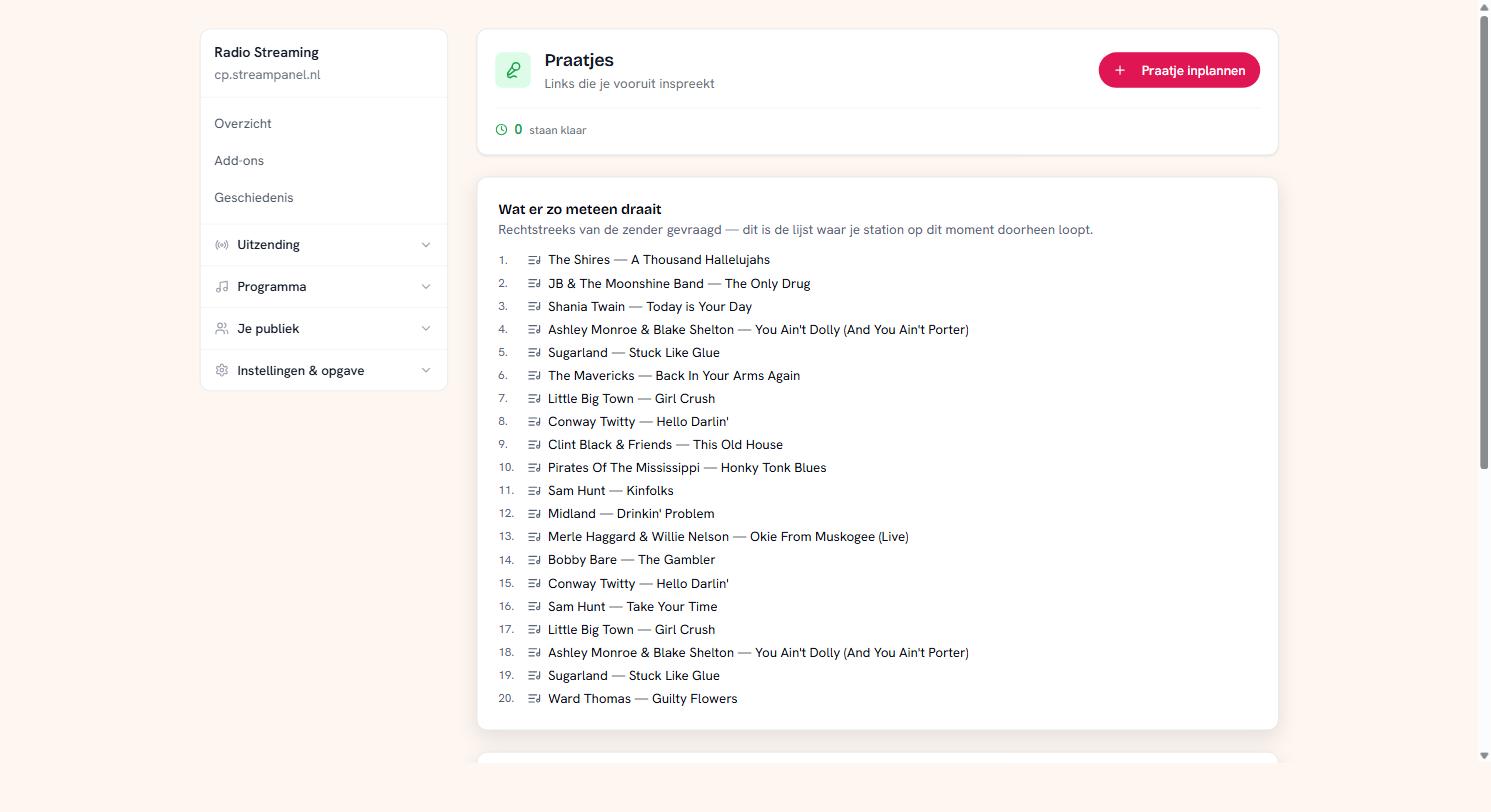 The voice track screen with the station's play queue
How it works
You record your link and put it in your library as a file — just like your music. Then you schedule it here at the point where it should fall.
Click Praatje inplannen, pick your recording, and decide when it falls.
The three ways to schedule
After the record playing now. The quickest, and usually what you want. Your link falls as soon as the current record ends.
Behind a particular record. This is voice tracking. You pick a record from the list of what's coming and your link falls directly behind it. The big advantage: your segue is right even if the hour overruns. If you say "that was Kane", then Kane really was just on — whether the hour runs early or late.
At a time. For something tied to the clock rather than to the music: an announcement at exactly twelve.
Of those three the second is almost always the better choice. A time is the second choice, not the first, because the clock of your broadcast moves and your music doesn't.
What's playing next
At the top sits your station's queue: the records it's currently working through. That's the same list you pick from under behind a particular record.
If it says "nothing is coming from your own music right now", your station is stopped or there's a live DJ on air. In the latter case the DJ decides what plays, so there's no record to hang your link behind.
Sent is not played
Each scheduled voice track shows what happened to it, and there are two different things in there:
Staat klaar — scheduled and waiting.
Verstuurd — it went to the station.
Gedraaid — it actually aired.
That distinction is deliberate. Without those two moments, a voice track that did arrive but never aired looks exactly like one that simply worked — and then you're hunting for a fault you can't see.
Removing
A voice track that hasn't been sent you simply remove. If it has been sent, removing only takes away the arrangement, not the broadcast: what's already been handed over goes on air.
A tip on recording
Record your link with the last seconds of the previous record and the first of the next in your headphones. Then you hear your own segue while you make it, and that saves half your retakes.