Recording your broadcast and listening back, and turning it into a podcast episode if you want. Two things that are easily confused, so the distinction first: recording is storage and is always allowed; publishing is a plan benefit.
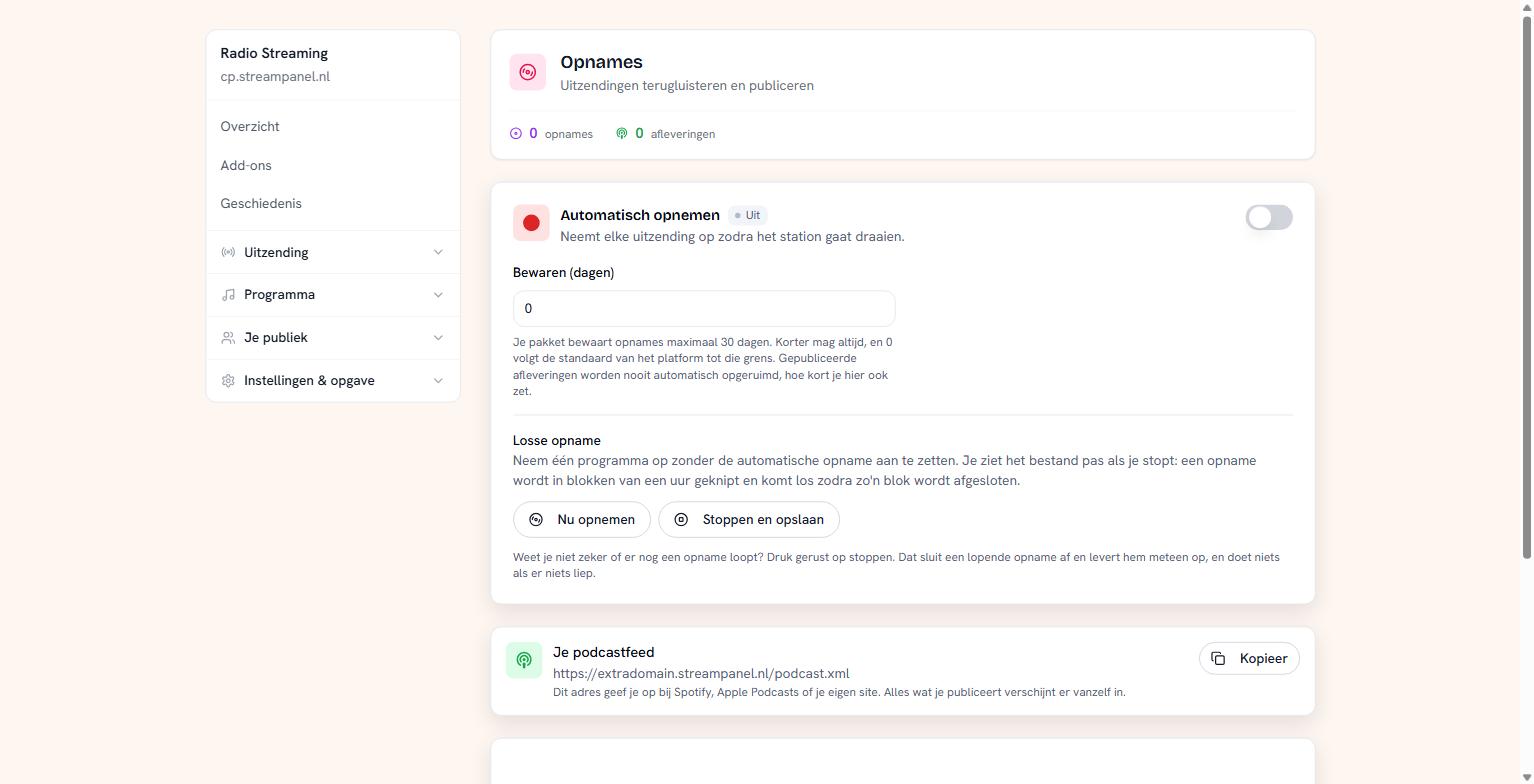 The recordings screen with the retention window and the podcast feed
Recording automatically
Turn the toggle on and every broadcast is recorded as soon as your station starts running. A recording is cut into blocks of an hour; a block becomes available once it is closed.
A single recording
If you only want to capture this programme, use Nu opnemen and later Stoppen en opslaan. You don't see the file until you stop.
Not sure whether something is still running? Press stop anyway — that closes a running recording and delivers it immediately, and does nothing if nothing was running.
Recording only works while your station is running. If it's stopped there's nothing to record.
Retention
Under Bewaren (dagen) you say how long recordings stay. Your plan sets the upper limit; shorter is always allowed. Enter 0 and you follow the platform's default up to that limit.
This is the one thing on this platform that keeps growing by itself: at the highest quality a day of recording is already several gigabytes. A retention window isn't bureaucracy, it's the brake.
Published episodes are never cleaned up automatically, however short you set this. What you've released stays.
Publishing as a podcast
Each recording has Publiceren. Give it a title — really do, because without one the filename ends up in the feed, and then your episode is called something like radio-bestelling-20260825-164451.mp3 in Spotify.
At the top sits your podcast feed. You submit that address to Spotify, Apple Podcasts or your own site. Everything you publish appears there by itself; you don't have to do anything per episode.
If publishing isn't in your plan the button stays visible but off, with the reason. Hiding it would leave you hunting for something that does exist.
What to watch out for
A recording of your broadcast contains the music you played. Different rights apply to a podcast containing commercial music than to broadcasting — it isn't automatically covered by what you pay to the rights organisations for your stream. For talk programmes, interviews and your own material this doesn't apply.